EasyStore
EasyStore is a place to sell and manage your ecommerce business across multiple sales channels. It manage everything in one place and provide a centralized platform for you to simplify daily operation such as managing orders, inventories and customer information across all sales channels. Also, all of the important information such as products, inventories, orders and customer information is auto-updated in each selling channel. The flexibility of using our promotional tools helps strengthen the result of your marketing campaign to increase sales conversion. We work with 40+ local and international payment solutions to help you accept online payment easily from everywhere you sell.
Steps to setup Share Commerce Payment Gateway with EasyStore
- Create an EasyStore account here.
- Login and go to Settings > Payments.
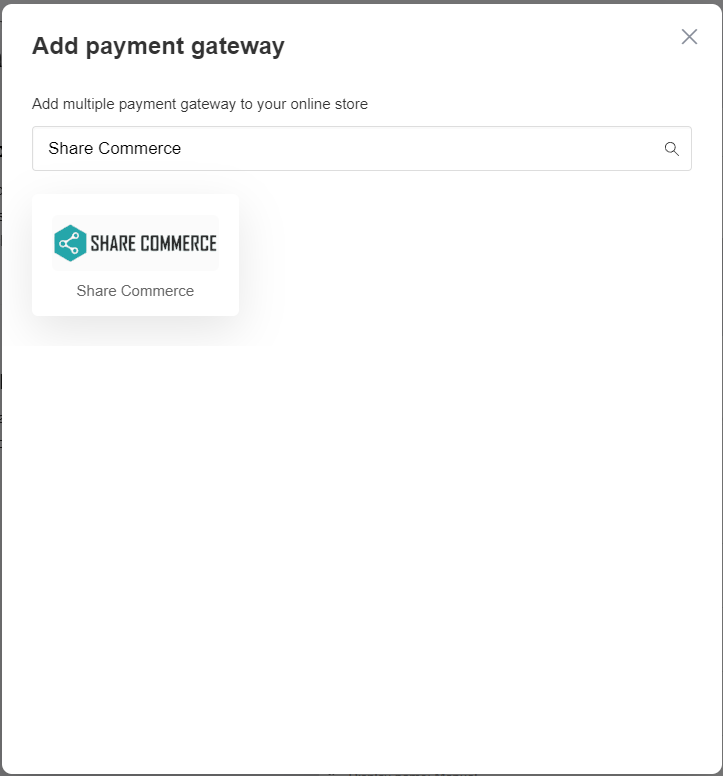
- Add payment method, and find Share Commerce.
- Configure below Settings and Save.

4.1. Merchant ID : Get your Merchant ID from Share Commerce (Different between UAT and Production).
4.2. Secret Key : Get your Secret Key from Share Commerce (Different between UAT and Production).
4.3. Enable Share Commerce.